
For purchasing, engineering and quality teams
A clearer request for quotation. A defined tack order.
Connect the product, specification and buying requirement before comparing offers. Multi-material and silicone horse tack supplied from Dongguan, China, with scope agreed for each order.
One scope for every team
Define the requirement. Then compare the offer.
A useful RFQ makes the selected item, included work and open questions visible. Keep commercial acceptance, sample review and production authorization as separate decisions.
Specification
Identify the model, variant and drawing revision where relevant.
Commercial scope
Compare quantities, included work and delivery basis.
Inspection
Agree characteristics, methods, records and lot identity.

Selected silicone tack
Identify products for your RFQ
Use the catalogue to name a starting model. A design change needs its own drawing or development brief rather than an assumed standard configuration.
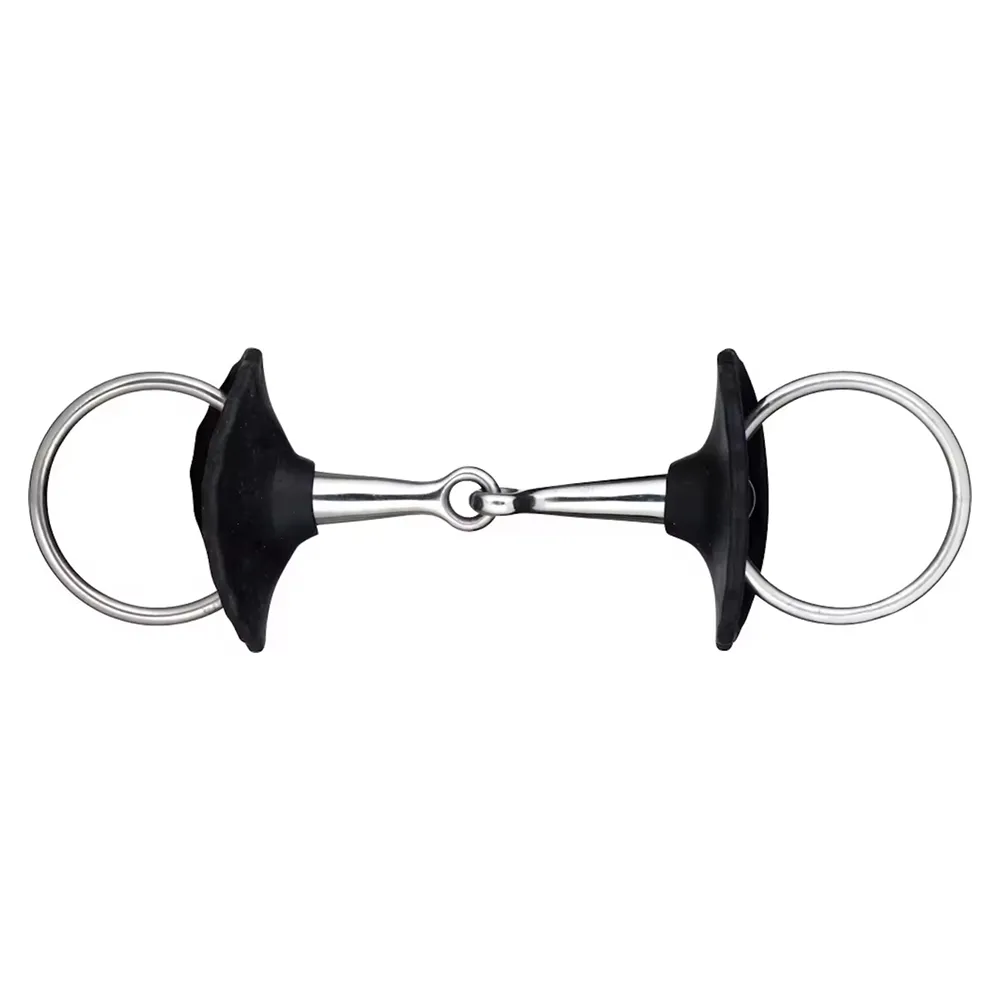
SC-SBG-01
Silicone Bit Guards
Specify guard piece or pair, dimensions to be checked and the exact supplied contents.
Compare the range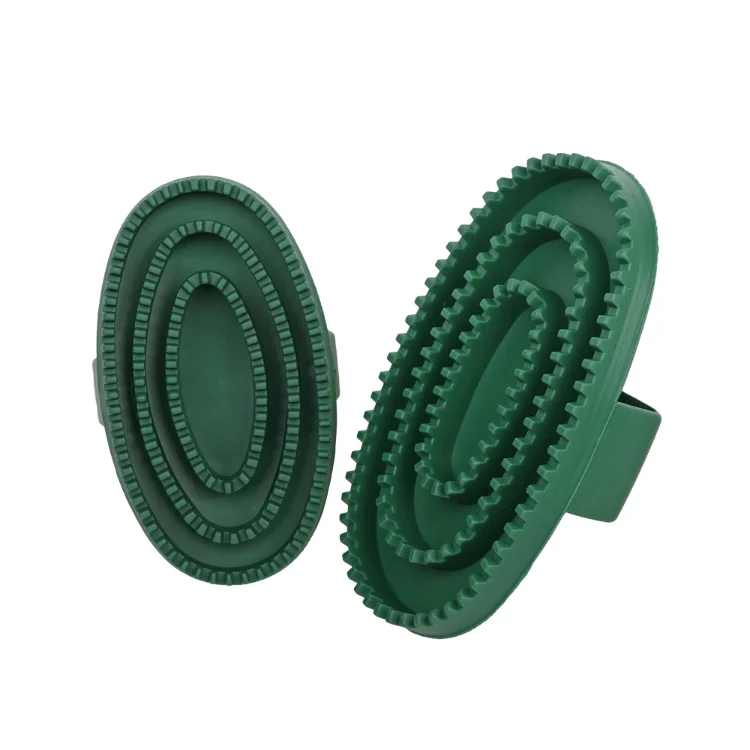
SC-SGB-01
Silicone Grooming Brush
Identify the brush model and colour allocation before requesting a line price.
Compare the range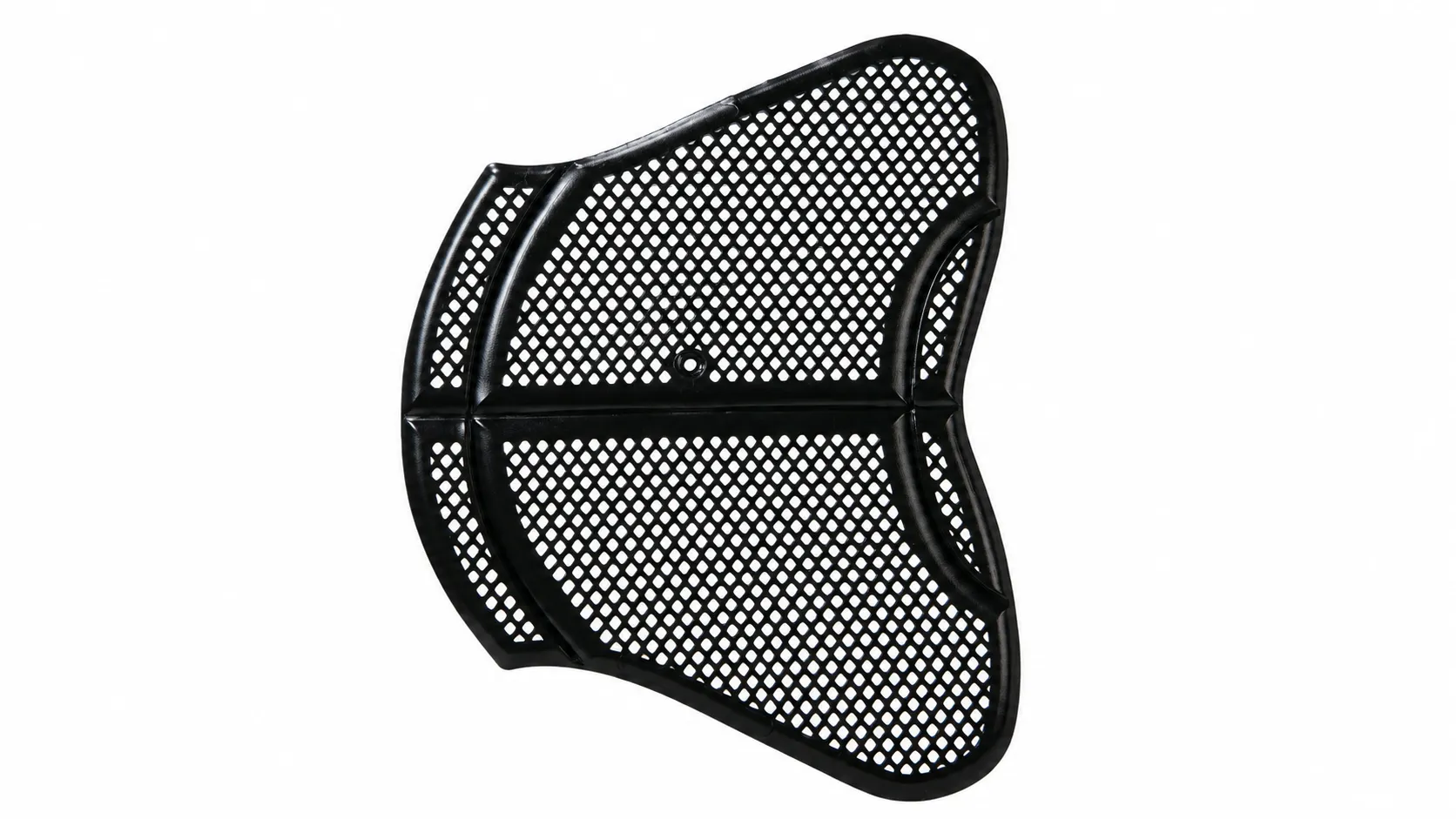
SC-SSP-01
Contoured Silicone Saddle Pad
Tie the pad quotation to the selected construction and size designation.
Compare the rangeProduct selection does not define the complete order. Confirm the supplied contents, specification revision and quantities for each line.
From requirement to receiving
A quotation is one step. Keep the decisions connected.
01Define
Identify the item and the current requirement
Start with a catalogue model or describe the intended design change. Separate settled requirements from questions that still need an answer.
- List the actual item, selling unit and quantities by variant.
- For a changed design, identify the relevant drawing and BOM revision.
- Add the sales market, intended use and requested receiving window.
Keep: Dated RFQ brief with a revision and open-input list
02Clarify
Ask for the same scope in every offer
A request for quotation is useful when your team can tell what each supplier has included, excluded or understood differently.
- Separate product charges from any quoted tooling, samples, setup or testing.
- Ask for the quoted quantity basis, readiness trigger, currency and validity.
- Identify delivery basis and named location rather than comparing an unexplained total.
Keep: Written offer and a record of unresolved differences
03Review
Resolve exceptions before authorizing work
A price comparison does not release a drawing, approve a sample or authorize tooling. Keep those decisions visible and assign the next action.
- Check that the accepted offer refers to the intended specification revision.
- Record agreed changes and retain the superseded offer for traceability.
- Agree the quotation schedule and production authorization separately.
Keep: Selected scope, written clarifications and an authorization record
04Verify
Connect the order to its inspection evidence
Agree what will be checked, how the lot will be identified and who can decide its disposition. Progress photographs do not replace that evidence.
- Define characteristics, methods, records and any sampling plan for the order.
- Keep material documents separate from finished-product inspection results.
- Retain lot identity through receiving and any hold or release decision.
Keep: Order-specific inspection requirements and a documented lot decision
Keep the details clear
Ask what the evidence actually covers
Material
A material report has a defined scope
- Check which material, test method and report identity the document covers.
- A raw-material result does not establish the performance of every buckle, bond, seam or complete tack assembly.
System
A management-system certificate is not a product test
- Review the named organization, certified activities and document validity for the purpose you need.
- Do not treat a factory-system certificate as finished-product, veterinary or competition approval.
Lot
An inspection record must identify what was checked
- Connect the selected product and revision to the lot, characteristics, method and actual findings.
- A visual screen, dimensional check and functional test answer different questions; sampling does not prove every unit is defect-free.
Is another customer program a better starting point?
A catalogue item needs your colours, logo or pack.
Prepare an own-brand range brief; branding is not an automatic RFQ inclusion.
Explore the relevant programYour main question is who handles shipment costs and import responsibilities.
Review the European distributor shipment guidance before comparing delivery offers.
Explore the relevant programYour retail team needs listing records or replenishment inputs.
Use the tack retailer product-data and stock-planning guides.
Explore the relevant programUseful reading
Prepare the RFQ and inspection handover
Before the enquiry
Procurement questions before commitment
Can an enquiry begin before our CAD drawings are final?
Yes. Identify whether you are selecting a catalogue item or developing a changed design, and label unfinished requirements clearly. The first discussion can identify open inputs; a provisional enquiry is not a released specification or authorization to start tooling.
Does submitting the brief reserve a production slot?
No production allocation is established by sending an enquiry. Agree the selected configuration, commercial scope and any production authorization in writing before treating a requested date as committed capacity.
Are all compliance documents automatically included without charge?
Do not assume an all-inclusive certificate pack. State the sales market, product and document purpose so the relevant material, management-system or product evidence and any testing scope can be discussed in the written offer.
Silicon Chain · Procurement Buyer
Bring the scope into the conversation.
Share your selected models, specifications, quantity allocation and receiving requirements. Flag anything that still needs clarification.
View all customer programs