Retail Purchasing · 28 October 2026 · 12 minute read
How to Apply a Reorder Point Formula in a Tack Shop
Purchasing perspective: your shop owns its stock policy; supply quantities and dates need order-specific confirmation.
A reorder point formula helps a tack shop decide when a buying line needs attention before its next receipt. It cannot tell you which colour customers will want, whether a returned guard is sellable or whether a supplier has accepted your order. Those decisions need reliable records alongside the calculation, particularly when a shop sells through both a counter and a web store.
Start with the horse-product range and buying options for tack retailers, then work at the variant and location you actually replenish. A pooled product total can conceal a shortage in one colour and excess in another. Keep the calculation beside the buying record so another staff member can understand its units, dates and exclusions without reconstructing your assumptions.
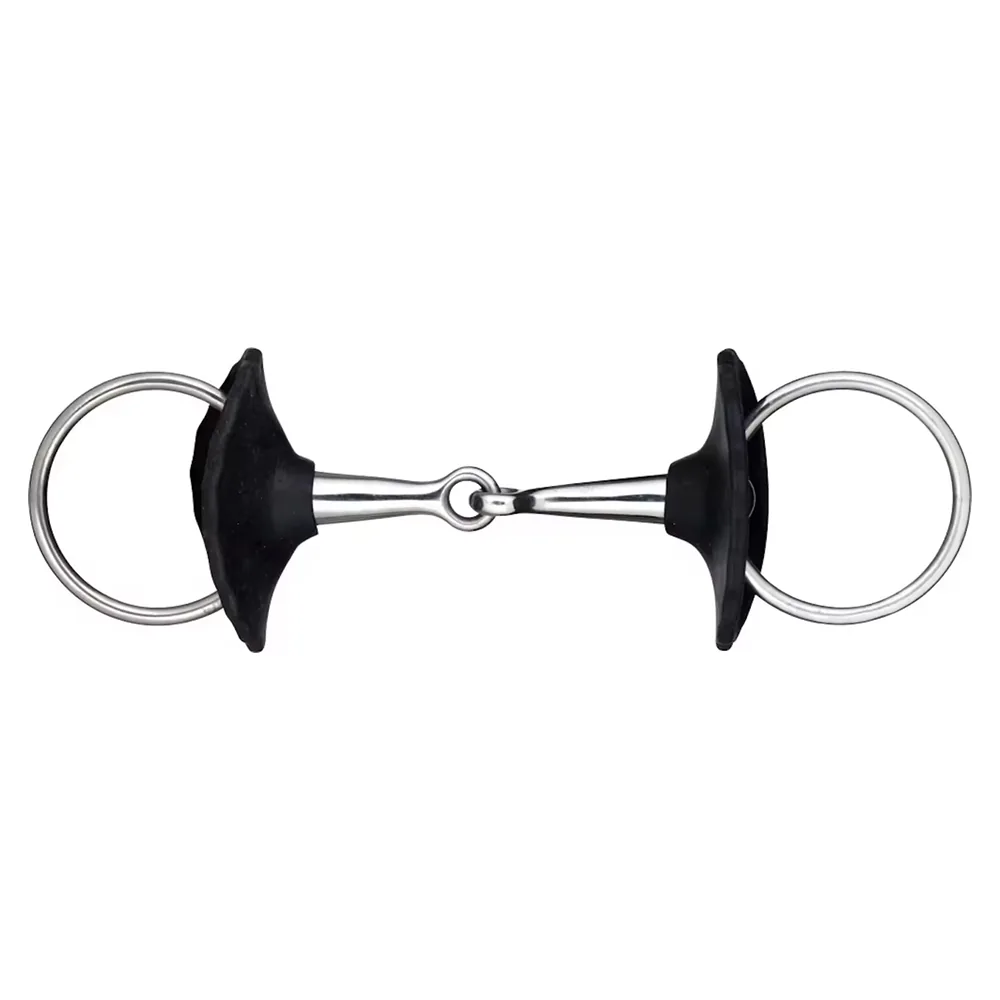
1. Put the reorder point formula into the correct units
The basic relationship is ROP = (average daily demand × actual replenishment lead time) + shop-selected buffer. Shopify's retail guide to the reorder point formula presents daily sales velocity multiplied by lead time, plus safety stock. Use that relationship as a starting model, not a supplier promise or an instruction to copy another retailer's inputs.
Let d mean average demand in selling units per calendar day, L mean replenishment time in calendar days, and B mean buffer in selling units. Then ROP = d × L + B has the unit “selling units”. If demand uses trading days while lead time includes weekends, convert them to a common time basis before multiplying. Do not multiply weekly demand by a lead time expressed in days.
- Identify the item: model, actual colour or size variant, receiving location and active range status.
- Define the unit: piece, pair or named pack, including any conversion between purchasing and retail units.
- Label the inputs: demand window, time basis, replenishment stages and who approved the buffer.
- Record the decision: calculation date, threshold, stock balance used and next review owner.
For a silicone bit-guard buying line, a pair sold at retail cannot be compared directly with a supplier quantity counted as individual guards. Confirm contents and conversion first; round a resulting trigger to a usable whole selling unit under the shop's policy. Case rounding belongs to the later purchase-quantity decision, not an unexplained change to the demand rate.
The threshold is a quantity, not a number of days and not the quantity to order. Reaching it opens a buying review. The review still needs current commitments, expected receipts, cash limits and the status of the line. Keep those separate so a neatly calculated trigger does not authorise an unsuitable purchase.
2. Choose a demand window that represents your next selling period
Calculate demand from a stated period and the correct variant, not from an unlabeled lifetime total. Explain why that period is relevant to the next replenishment cycle. A launch, promotion or local show can make a recent window unrepresentative. A longer window can hide a changed buying pattern, so keep the chosen dates and reasons visible rather than always selecting the longest history.
Sales observed during a stockout are constrained by availability. Zero sales while a brush colour could not be bought do not establish zero customer demand. Identify unavailable periods and review any reliable aggregate evidence of unmet demand. Do not invent lost units to repair the series; when evidence is weak, flag the uncertainty and use a cautious, explicitly approved buying judgement.
- Separate completed sales, returns and cancelled orders instead of treating every order event as demand.
- Check whether a return reverses an earlier sale in the chosen report, and keep its physical stock disposition separate.
- Exclude duplicated records and distinguish customer purchases from transfers between your own locations.
- Explain promotions, closures and unavailable days so another buyer can reproduce the demand basis.
A refund does not automatically create a sellable receipt. Likewise, an order cancellation may release an allocation without moving any physical goods. A stock correction, damaged-item write-off or transfer changes inventory for a different reason than a sale. Deriving daily demand from the net fall in stock mixes those events and can create a false replenishment signal.
For the silicone grooming brush model, keep sales by the colour actually recorded at checkout. Do not assume that buyers of an unavailable colour will accept another. If names or units have changed, reconcile the historical mapping before averaging the series. Demand calculations become more useful after the data correction, not after adding decimal places.
3. Measure actual lead time and choose a deliberate buffer
Measure replenishment from the event that starts your purchasing clock to the point the goods can genuinely support sales. Include the relevant approval, supplier acceptance, preparation or production, transport, receipt and release steps. A dispatch estimate is not the same as stock available at your receiving location. Record stages separately when that helps explain where timing varies.
Use dated receipts for comparable orders where you have them, and compare them with the current written supply plan. A changed specification, destination or order configuration can make old timing unsuitable. Do not turn a general sample schedule into a replenishment lead time. If there is no reliable history, record the estimate and its uncertainty rather than presenting it as measured performance.
- Choose the relevant past orders and identify their start and usable-receipt dates.
- Check partial receipts and exclude quantities that stayed blocked after arrival.
- Compare the current route and configuration with that history before choosing L.
- Assign responsibility for updating the calculation when supply timing changes.
The relationship between reorder point and safety stock is additive: the buffer sits above expected demand during replenishment. Choose it with regard to demand variation, supply uncertainty, the cost of a shortage and the cash tied up in stock. There is no universal buffer percentage for every tack accessory. A higher buffer also creates holding exposure and cannot correct an inaccurate item record.
Express B in the same selling units as the rest of the formula. If your shop initially discusses a buffer in days of cover, document the conversion and demand basis. Check whether protected stock is already excluded from the available balance; counting the same protection again in B can unintentionally increase the policy. Keep the treatment explicit and consistent.
4. Compare the trigger with a documented inventory position
Do not compare a replenishment threshold with whichever stock number happens to appear first. Shopify's inventory-state definitions distinguish on-hand, available, committed, unavailable and incoming quantities. In that system, on-hand stock includes available, committed and unavailable units. Incoming goods are not available merely because an order exists; other systems may use different labels.
Swipe horizontally on a narrow screen to compare stock measures. Keyboard users can focus this region and scroll across.
| Stock measure | Meaning for the buying review | Mistake to avoid |
|---|---|---|
| On hand | Physical stock at the location; Shopify includes available, committed and unavailable. | Treating the entire physical count as free to sell. |
| Available | Stock free for sale under the system definition, after its existing allocations and restrictions. | Subtracting committed or blocked units a second time. |
| Committed / unavailable | Customer allocations or stock held back for reasons such as damage or inspection. | Offering reserved goods or uninspected returns as spare stock. |
| Incoming | Expected receipts that have not yet become available at the location. | Promising immediate availability or ignoring arrival dates. |
| Inventory position | A documented planning balance including eligible open supply and outstanding demand exactly once. | Placing another order because shelf stock remains below the same trigger. |
For planning, document an inventory position that starts from eligible stock, adds eligible open supply and recognises outstanding demand once. One practical starting point is available stock plus confirmed incoming supply, less outstanding obligations not already reflected in available. If available already excludes committed and blocked stock, do not subtract them again. If you start from on-hand instead, reconcile those exclusions before using it.
Check dates as well as totals. A confirmed delivery arriving after the expected shortage does not solve the earlier gap. Break the review into dated needs and receipts, investigate overdue supply, and avoid treating an unconfirmed enquiry as an open purchase order. Stock at another location only helps if a feasible transfer makes it usable where required.
The simple trigger is most straightforward under continuous review: accurate balances are checked as changes occur, with a reasonably stable demand and lead-time basis. Once an order is placed, include its eligible outstanding quantity in the position. A shelf count that stays below ROP must not generate the same purchase repeatedly. Link each decision to its open order and update it after partial receipts or cancellations.
If staff review stock periodically, demand can occur before the next review even starts replenishment. That policy must also cover the review interval as well as lead time; simply checking the continuous-review threshold occasionally leaves a gap. Choose an appropriate periodic-review coverage or order-up-to policy, and avoid double counting firm commitments already represented in that coverage.
5. Read inventory reports without turning them into buying rules
Reports help diagnose the inputs, but their definitions determine what comparisons mean. Shopify's inventory-report documentation states that reports changed from Available to On hand from 1 October 2026, while historical data was not rewritten. Mark that definition change when comparing periods or exported snapshots. Otherwise, a changed measurement basis can look like a change in stocking behaviour.
Keep the report name, date range, location scope and quantity definition beside the export. Historical days remaining estimates reflect past sales and stock inputs, not a supplier's future delivery commitment. A value report is not a physical receiving check. Match each report to the specific question you need answered rather than merging similarly named columns.
- ABC analysis: Shopify's classification is based on revenue contribution, not profit or a universal safety-stock rule.
- Sell-through: check the report's denominator and period; it is not interchangeable with percentage of starting inventory sold.
- Inventory changes: distinguish sales from adjustments, transfers and write-offs before calculating demand.
- Remaining days: use as a historical indicator, not a guaranteed stockout date or a replenishment lead time.
Do not impose a target sell-through rate on every guard colour or pad model from a generic article. Review the role of the line, relevant demand evidence and the cost of carrying it. A revenue-leading product can still have different margin and space implications from another item. Use those business questions to challenge the proposed purchase rather than letting a report grade approve it.
Resolve mismatched identities with the horse-tack product-data checking guide before accepting an apparent trend. An incorrect unit conversion or merged variant can distort several reports at once.
6. Turn the trigger into an order decision, or a recorded pause
A reorder point calculation starts a review; the purchase quantity follows a separate policy. Compare the desired coverage with your dated inventory position, then consider pack multiples, actual minimums, variant allocation, cash and space. Ask for the proposed configuration in writing. A supplier minimum that exceeds the shop's need is a commercial decision to resolve, not proof that the formula was wrong.
For seasonal or slow-moving items, inspect the record before changing the buying policy. Confirm that the SKU is active, sales reached the correct variant, stock was genuinely available and the replenishment clock remains relevant. Then consider a documented pause or revised allocation. Do not automatically increase a buffer after weak sales, and do not treat clearance as the first cure for unexplained stock.
- Reconcile the physical and recorded quantities for the affected variant and location.
- Isolate damaged, suspect or uninspected goods from sellable stock while the appropriate decision is made.
- Check open orders and customer allocations before authorising another purchase.
- Record buy, revise or pause, with an owner, reason and next review event.
Unsafe or suspect goods need assessment and an appropriate disposition, not a discount that transfers the problem to a customer. Returns awaiting inspection remain outside sellable supply until released. For discontinued lines, keep the history and outstanding commitments visible while stopping routine purchase suggestions. A deliberate hold is better than an automatic order built on uncertain data.
Finish the buying record with the exact model, variant, selling unit, proposed quantity and requested receiving period. Keep demand inputs and stock-policy choices under the shop's control, and ask the supplier to confirm its own scope and commercial terms. Recalculate after material changes in demand or timing; retain the previous basis so the next buyer can understand what changed.